


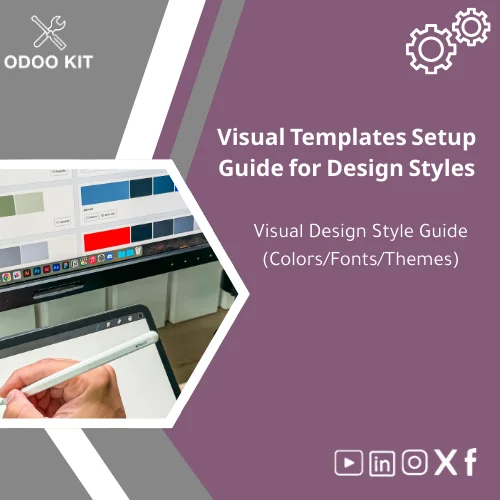
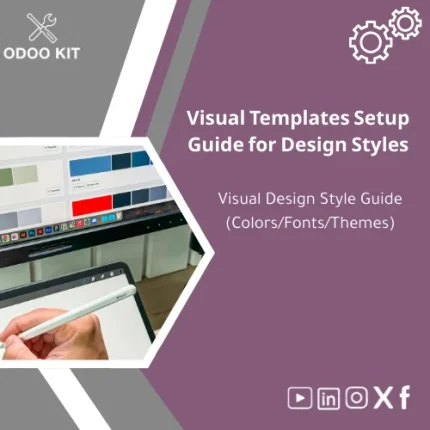
Visual Templates Setup Guide for Design Styles
Original price was: 139.00. 99.00Current price is: 99.00.
A ready-made Visual templates setup that documents and applies your brand colors, fonts, and layout rules across Odoo and e-commerce channels — fast to install, easy to customize, and built for small and medium businesses that want the benefits of a consistent digital brand without technical complexity.
Key benefits & value for your business
The Visual Templates Setup provides a structured, reusable visual brand style guide template you can apply across Odoo modules and digital channels. Below are the business outcomes you can expect:
Save time and reduce errors
Reduce rework and inconsistencies by documenting approved colors, fonts, spacing, and component styles in one place. Teams (sales, accounting, marketing) use the same assets — fewer design requests and faster page updates.
Increase trust and conversion
A consistent visual identity across invoices, product pages, and emails increases perceived professionalism and conversion rates — particularly important for small and medium-sized companies building credibility quickly.
Low technical barrier, high impact
The package is a practical middle ground: not a full custom build, but far more complete than an empty template. Installable with step-by-step instructions, it removes technical blockers for teams without in-house developers.
Use cases & real-life scenarios
Examples of how businesses use the visual templates setup in daily operations:
Example 1 — E‑commerce store standardization
A boutique retailer applies the template to product listings, promotional banners, and checkout emails. Result: consistent visual hierarchy that improves average order value and reduces cart abandonment by presenting clear, familiar layouts.
Example 2 — Accounting and customer communications
A service provider uses the guide to generate invoices and quotes in Odoo that match the website brand. This reduces confusion for clients and speeds up payment cycles because documents look professional and predictable.
Example 3 — Fast brand refresh for growing startups
A small startup updates its brand colors and rolls them out across all touchpoints using the visual templates setup, completing the transition in days rather than weeks.
Who is this product for?
This Visual design style guide (Colors/Fonts/Themes) is designed specifically for:
- Small and medium-sized businesses implementing Odoo who need a consistent visual identity without hiring a design agency.
- Entrepreneurs managing e-commerce stores who want ready-made digital design templates setup for quick branding.
- Accountants or operations teams who need branded invoices, reports and emails tied to Odoo workflows.
- Agencies and consultants who want a repeatable visual brand starting point for clients using Odoo.
How to choose the right package
We offer three recommended package sizes to match different needs and budgets. Choose based on scope, not price alone:
- Starter: Core color palette, primary & secondary fonts, basic component rules. Best if you only need quick, visible consistency across invoices and product pages.
- Business: Starter + responsive layout rules, email templates, and a small component library for banners and buttons. Ideal for growing e-commerce shops.
- Complete: Business + extended UI components, Power BI & Google Workspace integration templates, and priority support for custom tweaks. Choose this if you need reporting or multi-channel integration.
If unsure, the Business package covers most typical needs and can be extended with consulting hours.
Quick comparison with typical alternatives
When deciding, consider these common paths:
- Build from scratch: More flexible but costly and slow; requires designers and developers. Our template is much faster and lower cost with most required features out of the box.
- Generic themes: Cheap but often inconsistent and not tied to Odoo workflows. Our product includes documentation and Odoo-specific integration notes to avoid mismatches.
- Agency design + implementation: High quality but expensive. The visual templates setup gives predictable, scalable results at a fraction of the cost with optional consulting for bespoke needs.
Best practices & tips to get maximum value
- Start with a brand audit: pick one dominant color, two supporting fonts, and the primary button style for the first rollout.
- Apply styles to high-impact touchpoints first: product pages, cart/checkout, invoices and customer emails.
- Use the included examples to train staff — one page of “do’s & don’ts” avoids most common misuse.
- Integrate with reporting: connect colors and visual tokens to Power BI themes for consistent reports.
- Schedule a review 30 days after installation to refine spacing and content hierarchy based on user feedback and analytics.
Common mistakes when buying or using visual templates and how to avoid them
- Mistake: Choosing too many colors and fonts. Fix: Stick to 3–4 colors and 1–2 font families to maintain clarity.
- Mistake: Applying styles inconsistently across Odoo modules. Fix: Use the included style tokens and install guidelines to ensure system-wide consistency.
- Mistake: Skipping documentation for non-design staff. Fix: Use the short, actionable guides included to onboard teams quickly.
Product specifications
- Format: Downloadable package (ZIP) with style tokens, CSS snippets, Figma starter file, and Odoo template snippets.
- Compatibility: Odoo-ready (instructions for Odoo 14+), responsive web and email templates.
- Integrations: Guidance and config examples for Power BI, Google Workspace, and Airtable.
- Languages: English (documentation), templates use Unicode-ready fonts for multilingual support.
- Installation time: Typical setup 30–120 minutes depending on package and Odoo access.
- Support: Includes 30 days of email support; upgrade options for on-demand consulting.
- Usage notes: Editable tokens let you change colors and fonts without touching core templates.
Frequently asked questions
Do I need technical knowledge to install this visual templates setup?
No. The package includes step-by-step instructions for non-technical users. Basic access to your Odoo instance and admin privileges are required. If you prefer, we offer installation as an add-on service.
Can I customize the templates to match an existing brand?
Yes. All color, font and component tokens are editable. The guide explains where to change each token so you can tailor the visuals without breaking Odoo templates.
Will this affect my existing Odoo customizations?
The package is designed to be additive: it applies visual tokens and template snippets. We recommend testing on a staging environment first. If you have heavy customizations, we offer a compatibility check service.
How quickly will I see ROI?
Many customers report clearer brand perception and fewer design tickets within the first month, and measurable conversion improvements on product pages and email engagement within 6–8 weeks after rollout.
Ready to standardize your digital brand?
Choose a package, install the visual templates setup, and remove visual inconsistency from your customer journey. The package includes documentation, sample files, and integration notes to apply your brand across Odoo and e-commerce channels quickly.
Need help deciding? Contact our support team for a short pre-purchase consultation to pick the right package for your business.


Reviews
Clear filtersThere are no reviews yet.